ChatGPT
 Claude
 Gemini
 Grok
How to Build a Multi-Vendor Delivery Marketplace: A Complete Guide
TLDR
A multi-vendor delivery marketplace is a platform where many independent stores, restaurants or sellers list products, customers order from them in one app, and the platform handles payment, dispatch and delivery. To build one, you need four connected apps (customer, vendor, driver and admin), a split-payment system that pays each vendor minus commission, and a dispatch engine that assigns orders to drivers. A custom build usually takes 6 to 12 months and USD 40,000 to 150,000 or more before launch. A white-label platform such as DeliveryStack can go live in 2 to 4 weeks for a monthly fee. Either way, the hard part is not the code. It is signing enough vendors in one area before you spend on customer acquisition.
What is a multi-vendor delivery marketplace?
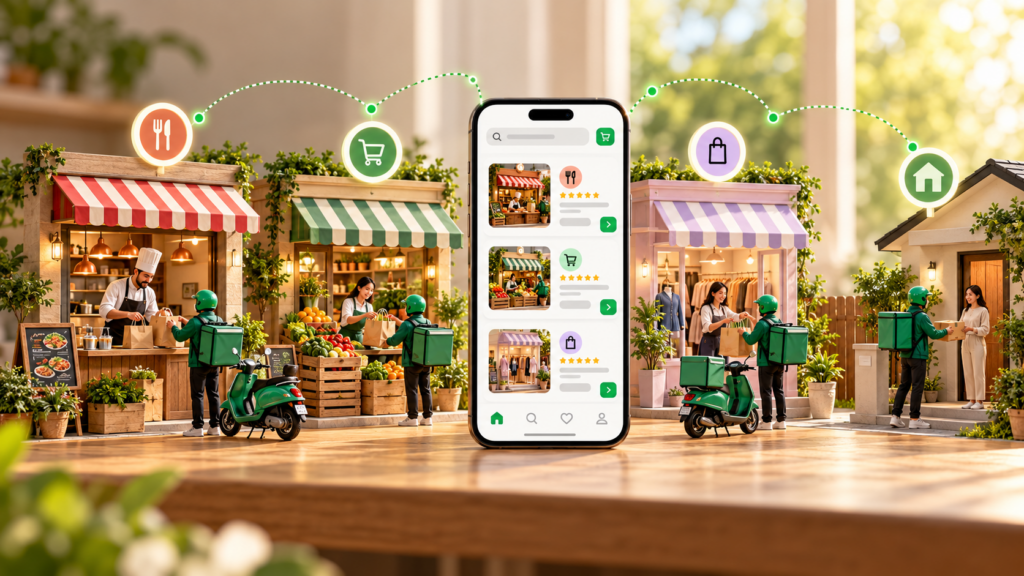
A multi-vendor delivery marketplace is an on-demand platform that connects customers with many local vendors and a pool of delivery drivers. Vendors own their menus, stock and prices. The platform owns the customer, the checkout, the dispatch and the payouts. It earns money through commissions, delivery fees and vendor subscriptions.
The model behind Uber Eats, DoorDash, Swiggy, Talabat and Deliveroo is the same one a regional startup uses in a single city. The difference is scale, not structure. A food marketplace in Dubai, a grocery marketplace in Lisbon and a pharmacy marketplace in Hubballi all need the same core parts: vendor onboarding, a shared catalogue, real-time tracking, and a way to split one customer payment between several parties.
How it differs from a single-store delivery app. A single restaurant or retailer app has one seller, one menu and one bank account. A marketplace has hundreds of sellers, each with its own catalogue, opening hours, delivery zone, prep time and payout schedule. That one change multiplies the work in payments, permissions, reporting and support.
A single store app has one seller, delivers with the store’s own riders, earns from product margin and is the simplest to build. A multi-location brand has one brand with many outlets, still runs its own fleet and earns from product margin, with medium build complexity. A multi-vendor marketplace has many independent vendors, may use the platform’s fleet, the vendors’ riders or both, earns from commissions plus delivery fees, and is the most complex of the three to build.
How does a multi-vendor delivery marketplace work?
A multi-vendor delivery marketplace works as a three-sided loop. The customer places an order, the vendor accepts and prepares it, a driver collects and delivers it, and the platform splits the payment. Every step updates all four apps in real time, so each party sees the same order status.
A typical order moves through these steps:
- The customer browses vendors that deliver to their location, adds items and pays in the app.
- The platform captures the payment and sends the order to the vendor’s panel.
- The vendor accepts the order and sets a prep time, which updates the customer’s ETA.
- The dispatch engine assigns the nearest suitable driver, timed so the driver arrives as the order is ready.
- The driver picks up, confirms with a code or photo, and follows navigation to the customer.
- The customer receives the order, confirms delivery and rates the vendor and driver.
- The platform records its commission and fees, and schedules the vendor and driver payouts.
If you want the vocabulary used throughout this guide, such as geofence, prep-time-aware dispatch and settlement, the DeliveryStack glossary defines each term.
Which business model should a delivery marketplace use?
Most delivery marketplaces combine a commission on each order with a delivery fee paid by the customer. Subscriptions, vendor listing fees and in-app ads come later, once order volume is steady. Pick the model your vendors can accept on day one, because vendor supply decides whether the marketplace survives.
Commission per order is paid by the vendor and is the standard model from launch, but high rates push vendors to build their own ordering channels. Delivery fees are paid by the customer and make sense when you run the fleet, though visible fees hurt conversion on small orders. A service or small-order fee helps when basket sizes are low, but customers notice it and complain.
Vendor subscriptions work once you bring vendors steady volume, and they are hard to sell before you have customers. A customer membership with free delivery suits marketplaces where repeat use is already proven, at the cost of delivery revenue from your heaviest users. Sponsored listings and ads pay off when hundreds of vendors compete for attention, and add little in a small catalogue.
Run the unit economics before you build. Here is a worked example with stated assumptions: average order value USD 25, commission 18%, customer delivery fee USD 2.50, driver cost per trip USD 4.00, and payment processing of about 3% of the order total. The platform keeps USD 4.50 in commission plus USD 2.50 in delivery fee, which is USD 7.00. It pays about USD 0.83 in processing and USD 4.00 to the driver. Contribution per order is roughly USD 2.17 before marketing, support and hosting. Change any input and the answer moves fast, which is why many marketplaces start with vendors who run their own riders.
Choose your vertical deliberately. Food has the highest order frequency but thin margins and tight time windows. Grocery has larger baskets but needs slots, substitutions and weight-based pricing. Pharmacy adds prescription checks. Courier and parcel needs no catalogue at all. DeliveryStack covers the operational detail of each in its food, grocery and courier pages, and the marketplace business model page explains how commissions and vendor onboarding fit together.
What apps and features does a multi-vendor delivery marketplace need?
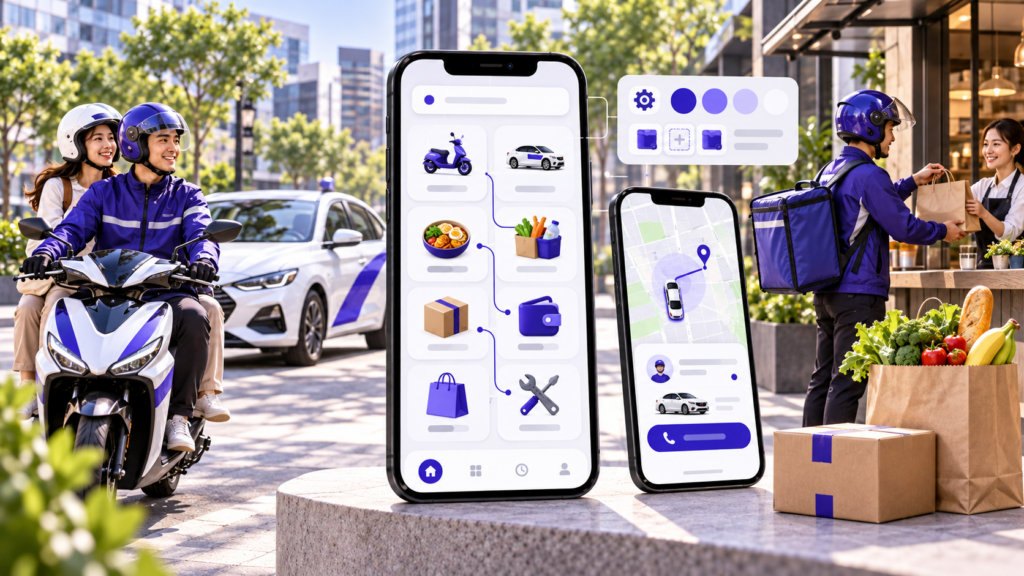
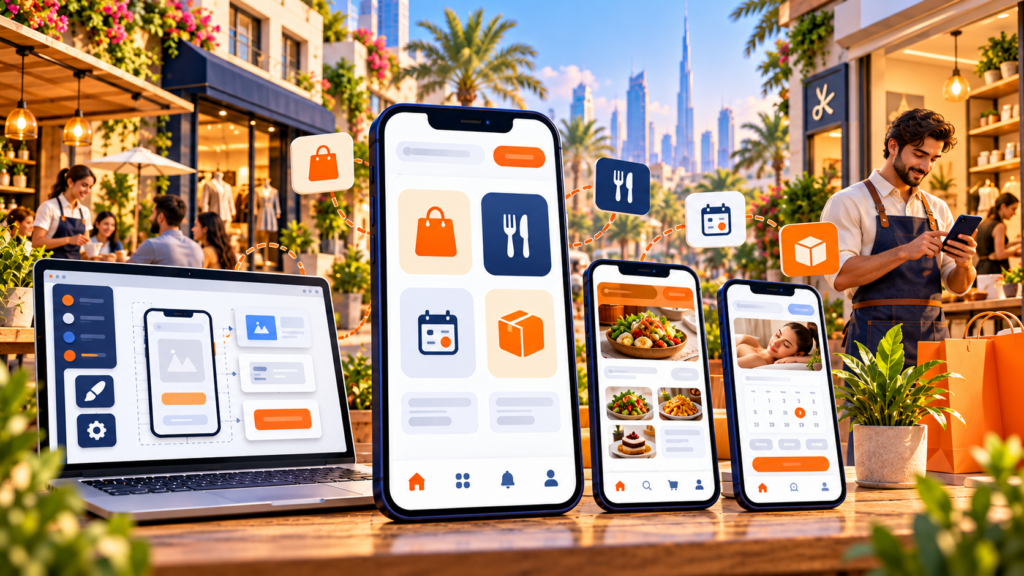
A multi-vendor delivery marketplace needs four connected apps: a customer app for ordering, a vendor panel for managing orders and catalogues, a driver app for deliveries and earnings, and an admin console for running the business. They share one backend, so an order accepted in one app updates the other three within seconds.
Customer app (iOS, Android and web)
Discovery and search. Customers see only vendors that deliver to their address, filtered by cuisine or category, rating, delivery time and price. Search has to cover vendor names and individual items, because people search for “biryani” more often than for a restaurant name.
Cart and checkout. Decide early whether a cart can hold items from more than one vendor. A single-vendor cart is simpler and works for food. A multi-vendor cart suits grocery and retail but means splitting one payment and often one delivery across several pickups. Checkout needs saved addresses, cards and wallets, cash on delivery where the market expects it, promo codes and tips.
Tracking and post-order. Live driver location on a map, push notifications at each status change, in-app chat or masked calling with the driver, ratings, reorder and refund requests.
Vendor panel (web, with a mobile app for busy stores)
Onboarding. Self-signup with document upload, bank details for payouts, and admin approval. Most marketplaces fail to launch on time because vendor onboarding is manual and slow, so treat this flow as a product, not a form.
Catalogue and availability. Menus or product lists with variants, add-ons, images and stock toggles. Restaurants switch items off mid-service, so availability changes must reach customers instantly.
Order handling. An incoming order queue with a loud alert, accept or reject controls, and a prep-time setting that feeds the customer’s ETA and the dispatch timing.
Earnings and settlements. Daily sales, commission deducted, payout history and downloadable settlement reports. Vendors who cannot reconcile their payouts open support tickets every week.
Driver app
Availability and assignment. Online and offline toggle, order offers with pickup distance and expected earnings, and accept or decline. Navigation and proof. Turn-by-turn routing, multi-stop support for batched orders, and delivery proof by OTP, photo or signature. Earnings. Per-trip breakdowns, incentives, cash collected and payout requests.
Admin console
Operations. A live map of orders and drivers, manual reassignment, and alerts for late or stuck orders. Configuration. Zones, commission rules per vendor or category, delivery pricing, surge rules, taxes and promotions, all editable without a developer. People management. Vendor and driver approvals, document checks, suspensions and performance scores. Finance and reporting. GMV, commission earned, refunds, payouts due, delivery times and repeat rate, exportable by date range.
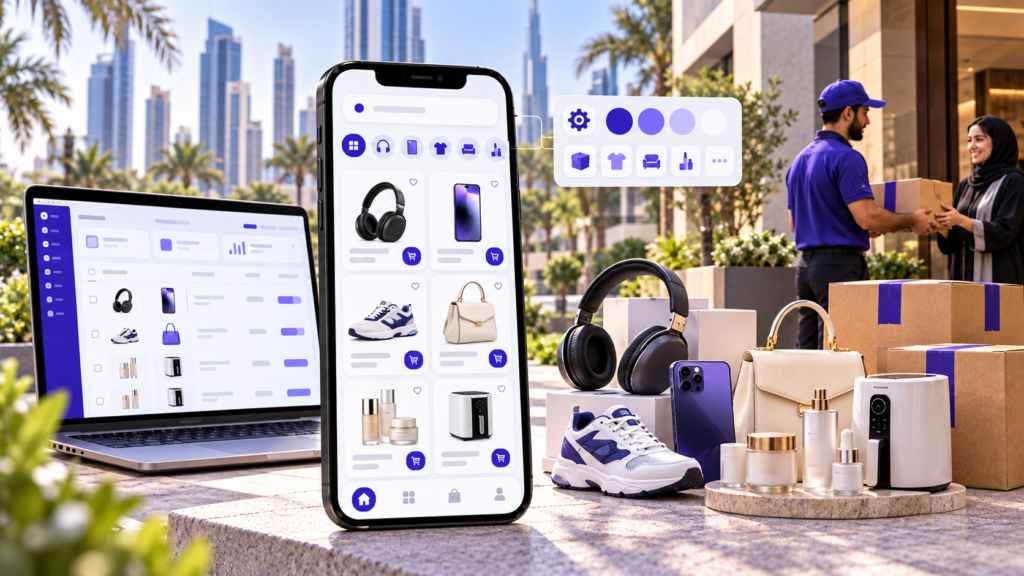
What to build first. At launch, the customer app needs a location-based vendor list, search, cart, online payment, live tracking and ratings, while a multi-vendor cart, scheduled orders, loyalty points and AI recommendations can wait. The vendor panel needs onboarding, catalogue, order queue, prep time and payout reports on day one, and a promotions tool, POS inventory sync and analytics dashboards can come later. The driver app needs assignment, navigation, delivery proof and earnings, with order batching, heat maps and incentive challenges to follow. The admin console needs a live order map, zones, commissions, approvals and refunds, and advanced analytics, A/B pricing and fraud scoring can be added once volume justifies them.
The DeliveryStack delivery apps page lists how each of the four apps is built in a production system, if you want a reference feature set to compare against your own scope.
How do payments, commissions and vendor payouts work?
In a multi-vendor delivery marketplace, the customer pays the platform once, and the platform splits that payment between the vendor, the driver and itself. The split usually runs through a marketplace payment product such as Stripe Connect or Razorpay Route, which holds funds, deducts commission and pays each party on a schedule.
This is the part of the build that teams underestimate most. A single checkout of USD 27.50 can become five ledger entries: the vendor’s share, the platform’s commission, the delivery fee, the driver’s payout and the tip. Every refund, partial refund and cancelled item has to reverse the right entries.
Use a marketplace payment product, not a plain gateway. A standard gateway collects money into one account. A marketplace product lets you onboard vendors as connected accounts, verify their identity, and route funds to them. Stripe Connect is the common choice in the US, Europe and much of the Gulf. Razorpay Route does the same job in India. In markets without either, you hold funds in a regulated account and pay out by bank transfer, which adds reconciliation work.
Decide the payout schedule. Daily payouts keep small vendors happy but increase transfer costs. Weekly payouts give you a buffer for refunds and chargebacks. Many marketplaces hold a small reserve per vendor for the first few weeks.
Handle cash on delivery separately. In India, the Gulf and Africa, cash orders are still common. The driver collects cash that belongs partly to the vendor and partly to the platform. You need a running cash balance per driver, a deposit flow, and limits that stop drivers from taking new cash orders once they hold too much.
Keep a ledger, not just transaction logs. Store every movement of money as a double-entry record with order ID, party, amount, tax and status. Finance teams, auditors and vendors will all ask for reports the payment provider does not produce.
DeliveryStack’s payments and payouts engine handles gateways, wallets, commission rules and settlements out of the box, which removes the longest single workstream from a custom build.
How should a delivery marketplace handle dispatch and drivers?
A delivery marketplace can use its own driver fleet, let vendors deliver with their own riders, or run a hybrid of both. Whichever you choose, the dispatch engine must assign each order to a driver based on distance, load and the vendor’s prep time, so food is not left waiting and drivers are not left idle.
With a platform fleet, you recruit, pay and dispatch the drivers yourself. It suits food and grocery, where speed sells, but it carries the highest cost and the most operations work. With a vendor fleet, vendors deliver and the platform only routes orders. This is a cheap way to launch with limited capital, though delivery quality is uneven and outside your control.
A hybrid model lets vendors with riders use their own while the rest use yours. Most regional marketplaces end up here after launch, at the price of running two sets of pricing and payout rules. A third-party fleet, where orders are pushed to a courier partner by API, covers low-volume zones and overflow, but you pay per trip and build no driver loyalty.
Auto-assignment beats broadcast. Broadcasting each order to every nearby driver is simple, but it causes races and missed orders at peak times. Auto-assignment scores drivers on distance to the vendor, current load, acceptance rate and direction of travel, then offers the order to one driver at a time with a short timeout.
Prep-time-aware dispatch. For food, assign the driver so they arrive as the order is ready, not when it is placed. A driver who waits 12 minutes at a restaurant is a driver who could have completed half another trip.
Zones and geofencing. Draw delivery zones per city and per vendor. Price delivery by distance or by zone, and block orders from outside a vendor’s radius. Zones also let you switch on surge pricing or pause a busy area during rain or a festival.
Batching. Once volume grows, let one driver carry two orders from the same vendor or nearby vendors. Batching lowers cost per order but stretches delivery time, so cap it by maximum detour.
The dispatch and routing module in DeliveryStack covers auto-assignment, multi-stop trips and ETA updates, and its zones and geofencing settings are configured from the admin console.
What tech stack should you use for a multi-vendor delivery marketplace?
A practical stack for a multi-vendor delivery marketplace is a cross-platform mobile framework for the customer and driver apps, Next.js for the web storefront and panels, Node.js for the API, PostgreSQL with PostGIS for orders and geography, and Redis for live driver locations and job queues. Maps, push notifications and payments come from specialist providers.
Mobile apps. Use Flutter or React Native for the customer and driver apps, since one codebase covers iOS and Android. Background location tracking on the driver app still needs native tuning.
Web storefront and panels. Next.js suits the public storefront, the vendor panel and the admin console, and its server rendering helps vendor and category pages rank in search. Keep the admin panel separate from the public site.
Backend and database. Node.js with NestJS or Express handles the many open connections that live tracking creates, and dispatch can be split into its own service once volume grows. PostgreSQL with PostGIS stores relational orders and ledgers and answers the radius and polygon queries that zones depend on. Plan indexes for order history early.
Real-time layer. Redis plus WebSockets carries driver positions every few seconds without loading the main database. Redis data is temporary, so persist trip history separately.
Maps, notifications and payments. Google Maps Platform or Mapbox provides geocoding, routes and ETAs, but API costs grow with every ETA call, so cache results. Firebase Cloud Messaging, APNs and a masked-calling provider handle order alerts and private driver contact. Use repeating alerts, because vendors miss silent notifications. Stripe Connect, Razorpay Route or a local equivalent handles split payments and payouts, and its onboarding rules differ by country.
Hosting. Run containers on AWS, Google Cloud or Azure so the platform scales for lunch and dinner peaks, and choose a region that meets local data residency rules.
Start with a modular monolith. A single, well-structured codebase with clear modules for catalogue, orders, dispatch, payments and notifications is faster to build and debug than a dozen microservices. Pull dispatch and notifications out into separate services when traffic justifies it.
Design for multi-tenancy at the vendor level. Every catalogue item, order, report and payout belongs to a vendor. Enforce that in the data model and the API permissions from the first sprint, or a vendor will eventually see another vendor’s sales.
Expose an API from the start. Larger vendors will want to sync menus and stock from their POS or ERP. A documented API lets them integrate without manual updates.
How do you build a multi-vendor delivery marketplace, step by step?
To build a multi-vendor delivery marketplace, validate one vertical in one city, define your commission and fleet model, sign launch vendors, then build or license the four apps, set up split payments, test real orders end to end, and launch in a small zone. Expand to new zones and verticals only after order economics hold.
Step 1: Pick one vertical and one launch area
Start narrow. One vertical in a few neighbourhoods beats five verticals across a whole city, because delivery times and vendor density both depend on distance. Choose an area where you can sign at least a few dozen vendors within a short delivery radius.
Step 2: Define the business rules on paper
Write down the commission per vendor type, delivery fee by distance, minimum order value, payout schedule, cancellation and refund policy, and who runs the fleet. These rules become your configuration, and changing them after launch is harder than it looks because vendors sign up on them.
Step 3: Sign vendors before you build
Talk to vendors in your launch area and get letters of intent. Ask what they dislike about the aggregators they use today. Their answers shape your pitch, your commission and often your feature list.
Step 4: Decide between custom, white-label or a hybrid
Compare the cost, timeline and control of each route (the next section covers this in detail). Many founders license a white-label core for launch and fund custom features later from revenue.
Step 5: Design the four apps around real flows
Map the customer, vendor, driver and admin journeys for the happy path and for failures: vendor rejects, item out of stock, driver cancels, customer unreachable, payment fails. The failure flows are where most support cost comes from.
Step 6: Build or configure the core engine
This covers catalogue, orders, dispatch, zones, pricing, payments, payouts and notifications. In a custom build, this is where most of the 6 to 12 months goes. On a white-label platform, it is configuration of your rules.
Step 7: Integrate payments, maps and communication
Set up the marketplace payment account, connect vendors as payees, and test refunds and partial refunds. Connect maps, SMS, push notifications and masked calling, and set budgets for each API.
Step 8: Run a closed pilot
Run real orders with a small group of vendors, drivers and friendly customers for one to two weeks. Measure acceptance time, prep time accuracy, driver wait time, delivery time and refund rate. Fix the operations, not just the bugs.
Step 9: Publish and launch in your first zone
Submit the apps under your own developer accounts on the App Store and Google Play, and allow time for review. Launch with vendor-funded or platform-funded offers in a single zone and staff support heavily for the first weeks.
Step 10: Expand by zone, then by vertical
Add neighbouring zones once delivery times and contribution per order are stable. Add a second vertical, such as grocery beside food, when your drivers have idle time to fill. The DeliveryStack deployment process follows a similar four-stage sequence, compressed into 2 to 4 weeks because the core engine already exists.
How much does it cost to build a multi-vendor delivery marketplace, and how long does it take?
A custom multi-vendor delivery marketplace typically costs USD 40,000 to 150,000 or more and takes 6 to 12 months to launch. A white-label platform launches in 2 to 4 weeks, with DeliveryStack starting at USD 1,000 per month. No-code builders sit in between at 4 to 8 weeks but run out of room for marketplace payouts and dispatch.
These ranges come from Aalpha Information Systems’ delivery and marketplace project work. For a broader multi-vendor commerce view, Aalpha’s multi-vendor marketplace development cost breakdown puts a basic MVP at USD 40,000 to 80,000 and enterprise platforms above USD 250,000. Location of the team, the number of verticals and the depth of integrations move the number more than anything else.
Custom development costs USD 40,000 to 150,000 or more upfront, takes 6 to 12 months, and is maintained by your own team or agency. It is the right route when your model needs workflows no platform supports. A white-label platform such as DeliveryStack starts at USD 1,000 per month based on scope, launches in 2 to 4 weeks and is maintained by the provider, which suits founders who want to test the market and own the brand quickly.
A no-code builder has a low monthly fee and takes 4 to 8 weeks, but you maintain it yourself, and it fits simple single-vendor ordering rather than marketplace payouts. A licensed source code script costs a one-time licence plus setup and takes 4 to 10 weeks. It only makes sense if you have in-house developers who can fix and extend it.
Where a custom budget goes. As a planning assumption for a mid-sized build: discovery and design take 6 to 10 weeks, the core engine (orders, dispatch, payments, payouts) takes 16 to 28 weeks, the four apps are built in parallel with it, and testing plus app store launch takes 4 to 6 weeks. Payments and dispatch alone often account for close to half of the backend effort.
Count the running costs too. Hosting, maps API calls, SMS, push notifications, app store fees and payment processing all scale with orders. For a custom build, a common planning assumption is 15 to 20% of the original build cost per year for maintenance, OS updates and security fixes.
A three-year view with stated assumptions. Take a USD 100,000 custom build with 18% a year for maintenance. Over three years that is about USD 154,000 before hosting and third-party fees. A white-label licence at USD 1,000 per month is USD 36,000 over the same period, plus any setup or custom features quoted for your scope. The white-label route costs less and starts earning sooner. The downside is that you depend on the provider’s roadmap and pay a fee for as long as you use the platform.
The DeliveryStack vs custom development comparison goes deeper into the costs that custom quotes usually leave out, and current plans are on the pricing page.
Should you build a custom marketplace or use a white-label platform?
Use a white-label platform if you need to launch within a quarter, have a standard delivery model, and want to spend your budget on vendors, drivers and customers. Build custom if your marketplace depends on workflows no platform offers, you have funding for a 6 to 12 month build, and you plan to employ engineers long term.
White-label is the right call when you are entering a market for the first time, replacing third-party aggregators for a group of vendors, or adding delivery to an existing business. You get tested apps, managed hosting and your brand on every screen. The trade-off is less control over core logic and a recurring fee.
Custom is the right call when your model is genuinely new, such as B2B wholesale delivery with credit terms, regulated medicine delivery with prescription workflows that local law defines, or a marketplace that bundles delivery with services. Aalpha Information Systems builds these through its marketplace development services, and has a 4.9 rating from 215+ reviews on Clutch.
A hybrid often works best. Launch on a white-label core, prove demand, then pay for custom modules on top of it. DeliveryStack is built by the same team, so custom features can be added to a live deployment without a migration.
How do you get vendors and customers onto a new delivery marketplace?
Get vendors first, in a small area, before you spend on customers. A customer who opens the app and sees four restaurants will not come back. Sign enough vendors in one tight zone to offer real choice, then market only to customers inside that zone, and expand zone by zone.
Give vendors a reason to switch. Your pitch to vendors is lower commission than the big aggregators, faster payouts, ownership of their customer relationships, or delivery they cannot get at all today. Pick the one that is true for your market and lead with it.
Do the onboarding for them. Photograph menus, upload catalogues and set up their panel yourself for the first wave of vendors. A vendor who has to type 200 items into a web form will postpone it for weeks.
Recruit drivers to match demand, not ahead of it. Too few drivers means late orders. Too many means drivers earn little and leave. Start with a small group on guaranteed hourly minimums during peak hours, then move to per-trip pay as volume grows.
Acquire customers locally. Vendor-shared offers, flyers in the delivery bags, referral credits and local social ads targeted by postcode work better at launch than broad city campaigns. Measure repeat rate within 30 days, not just downloads.
Watch five numbers every day. Orders per vendor per day, vendor acceptance time, average delivery time, refund rate and contribution per order. If delivery time and refunds are under control, growth spend is safe. If not, more marketing only brings more unhappy customers.
What legal and compliance issues apply to a delivery marketplace?
A delivery marketplace handles payments, personal data and gig workers, so it must meet card security rules, data protection law, marketplace tax rules and labour rules in each country it serves. Most of these are easier to design in at the start than to retrofit, so list them for your launch market before the build begins.
Payments security. Use a payment provider that keeps card data off your servers, so you stay within the lighter PCI DSS self-assessment scope.
Data protection. Customer addresses, phone numbers and live driver locations are personal data. In Europe, the GDPR applies. In India, the Digital Personal Data Protection Act, 2023 applies. Mask phone numbers between drivers and customers, and delete location history you do not need.
Marketplace tax. Many jurisdictions treat the platform as responsible for collecting tax on vendor sales. In India, e-commerce operators collect tax at source under GST, and food delivery platforms pay GST on restaurant orders. Many US states have marketplace facilitator laws. Build tax per line item into the ledger from day one.
Vendor licensing. Food vendors usually need a local food safety licence, and pharmacies need drug licences and prescription checks. Collect and verify these documents during vendor onboarding.
Driver classification. Whether drivers are contractors or employees varies by country and sometimes by state. This affects pay, insurance and how much control the app can exercise over shifts. Take local legal advice before you set driver terms.
This section is general information, not legal advice. Confirm the rules for each launch market with a local lawyer and accountant.
What mistakes sink new delivery marketplaces?
The most common mistakes are launching across a whole city instead of one zone, building every feature before signing vendors, underestimating payouts and refunds, and pricing delivery below what a trip actually costs. Each one burns cash before the marketplace reaches the order density it needs.
Too wide, too soon. Spreading vendors and drivers thinly across a city means long delivery times everywhere. Feature-first planning. Loyalty schemes, AI recommendations and in-app chat for vendors do not matter if there are only a handful of vendors live. Ignoring the failure flows. Refunds, item substitutions and driver no-shows drive most support tickets. Subsidising every order. Free delivery wins downloads but trains customers to leave when it ends. Manual operations that never get automated. A dispatcher assigning orders by phone works for 50 orders a day and breaks at 500.
Frequently asked questions
What is the difference between a multi-vendor delivery marketplace and an aggregator?
They are the same model. “Aggregator” is the common name in India and the Gulf for platforms such as Swiggy, Zomato and Talabat. “Multi-vendor marketplace” is the more general term. Both list many vendors, take payment and coordinate delivery.
How long does it take to build a multi-vendor delivery app?
A custom build typically takes 6 to 12 months from discovery to app store launch. A white-label platform such as DeliveryStack goes live in 2 to 4 weeks, because the apps, dispatch and payments are already built and only need configuration, branding and data.
How much does a multi-vendor delivery app cost?
Custom development usually costs USD 40,000 to 150,000 or more before launch, plus ongoing maintenance. DeliveryStack starts at USD 1,000 per month, with the final price based on verticals, cities, order volume and custom features.
How do delivery marketplaces make money?
Mainly through a commission on each order paid by the vendor, plus a delivery fee paid by the customer. Mature marketplaces add service fees, vendor subscriptions, customer memberships and sponsored listings.
Can customers order from several vendors in one cart?
They can if you build for it. A multi-vendor cart suits grocery and retail, but it requires splitting one payment across vendors and either batching pickups or sending several drivers. Most food marketplaces keep one vendor per cart.
Do I need my own delivery drivers?
Not at launch. You can let vendors use their own riders, push orders to a courier partner, or run a hybrid. Your own fleet gives you control over speed and service but is the most expensive and operations-heavy option.
Which tech stack is best for a delivery marketplace?
A common, proven choice is Flutter or React Native for the mobile apps, Next.js for web panels, Node.js for the API, PostgreSQL with PostGIS for data and geography, and Redis with WebSockets for live tracking.
Do I own the apps and customer data on a white-label platform?
On DeliveryStack, yes. The apps are published under your company’s developer accounts, customers never see the DeliveryStack name, and all customer, order, vendor and driver data belongs to you and can be exported.
What should you do next?
Write down your launch vertical, launch zone, commission rate and fleet model, then test them against the unit economics example above. If the numbers work and you want to see how a production multi-vendor setup handles vendors, dispatch and payouts, book a DeliveryStack demo and walk through it with your own rules.