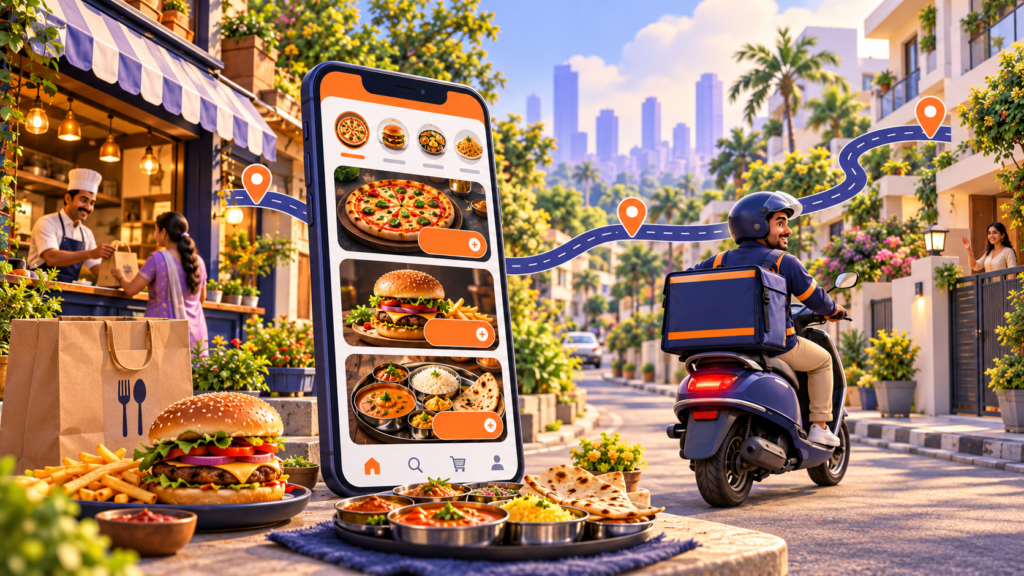
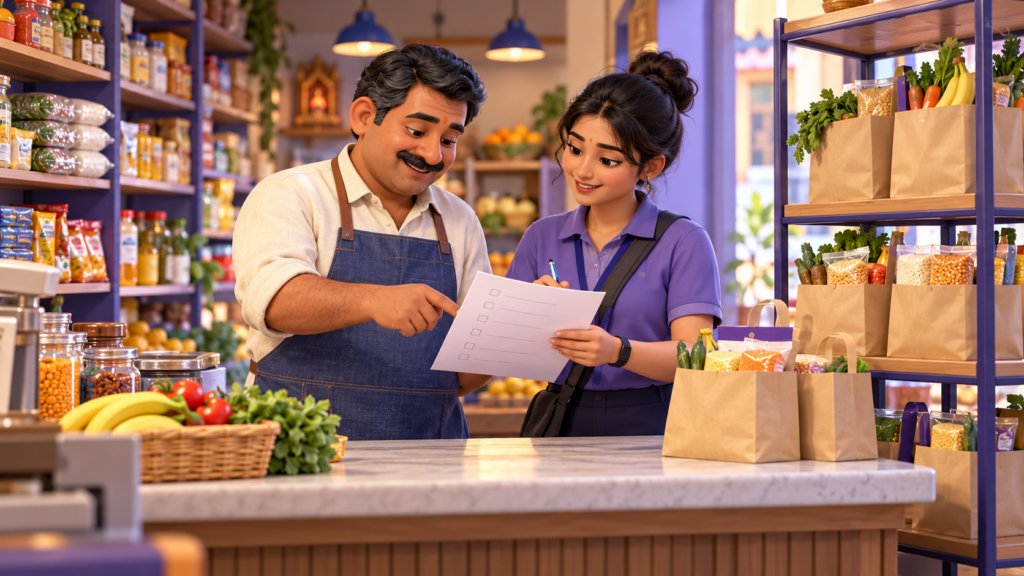
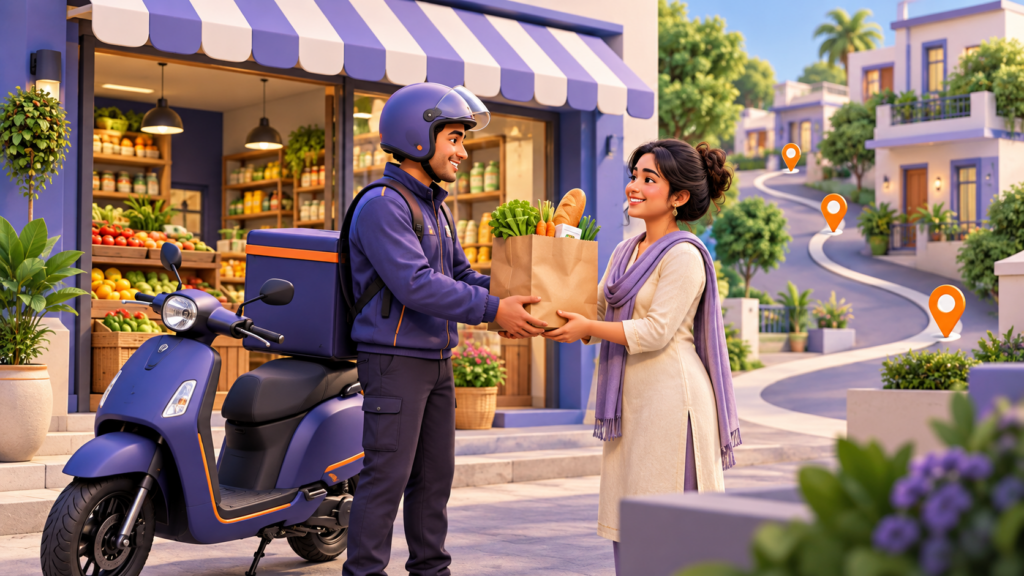
How to Launch a Grocery Delivery Business with a White Label App
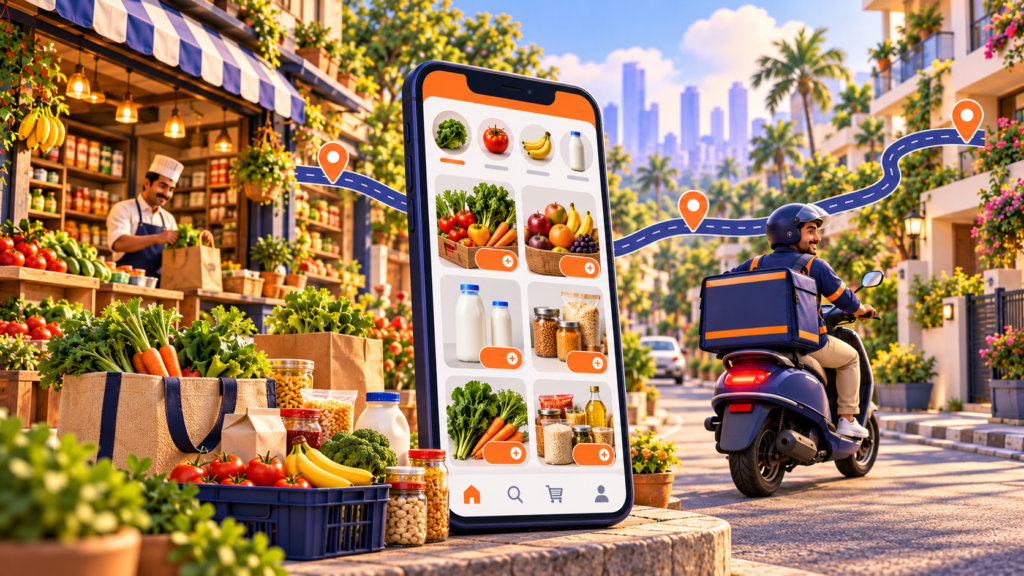
TLDR
To launch a grocery delivery business with a white label app, you license a ready-built platform (customer app, store app, driver app and admin panel), publish it under your own brand, load your catalogue, set delivery zones and slots, recruit riders and go live in one neighbourhood first. A white label launch takes 2 to 4 weeks and costs a monthly licence, from about USD 1,000 a month on DeliveryStack, against USD 40,000 to 150,000 and 6 to 12 months for a custom build. The software is the quicker half. Margins in grocery are won or lost on picking accuracy, substitutions, basket size and how many orders each rider completes per hour, so most of your planning should go there
What is a white label grocery delivery app?
A white label grocery delivery app is a finished, production-tested delivery platform that a business licenses and runs under its own name. The vendor supplies the software, hosting and updates. You supply the brand, the catalogue, the stores, the riders and the customers. Shoppers see only your logo, colours and app store listing.
A working grocery platform is four connected products, not one app:
- Customer app and website: browse categories, search, build a basket, pick a delivery slot, pay and track the order.
- Store app: receive orders, pick items, mark substitutions and out-of-stock lines, update prices and stock.
- Driver app: accept jobs, navigate, collect cash or proof of delivery, see earnings.
- Admin console: set zones, fees, commissions, promotions and payouts, and watch every live order.
The difference from a food delivery app is the basket. A restaurant order has three items and one prep time. A grocery order can have 40 lines, some sold by weight, some missing from the shelf, and some that need a cold bag. The platform you pick has to handle those cases on day one, because your customers will hit them in the first week.
Should you use a white label app or build a custom one?
Use a white label app if you are launching your first grocery delivery business, in one city, on a standard model. You go live in weeks and pay a predictable monthly fee. Build custom only when your model needs workflows no platform supports and you have the budget and 6 to 12 months to wait for revenue.
On speed, a white label platform such as DeliveryStack goes live in 2 to 4 weeks, a custom build takes 6 to 12 months, and a no-code builder sits in between at 4 to 8 weeks. On cost, white label means a setup fee plus a monthly licence from USD 1,000, while custom development usually runs USD 40,000 to 150,000 or more before launch. No-code builders are cheap upfront.
The bigger difference is what already works on day one. On a white label platform, dispatch, payouts and refunds are built and tested in production, and grocery logic such as slots, substitutions and weight pricing is configured rather than coded. A custom build has to create all of this from scratch. No-code builders usually offer only basic dispatch and rarely support grocery logic at all.
Branding is fully yours with both white label and custom builds, and only partly yours with most no-code tools. The vendor maintains a white label platform, your own team or agency maintains a custom build, and you maintain a no-code app yourself. Only a custom build gives you ownership of the code. The other two are licensed.
Sources: DeliveryStack, vs custom development. For a line-by-line breakdown of custom build budgets, see Aalpha’s guide to grocery delivery app development cost.
The downside of white label: you license the code rather than own it, and a workflow far outside the platform’s configuration needs a custom feature request. Ask the vendor up front how custom features are scoped, priced and maintained across platform updates.
The downside of custom: the cost is rarely the code. Rider dispatch, multi-party payouts, refunds and vendor onboarding each look small until one of them moves your launch date by a quarter, and you pay salaries and rent through the delay.
How do you launch a grocery delivery business, step by step?
You launch in eight steps: pick a business model, choose one launch zone, line up supply, settle the unit economics, license and brand the platform, load the catalogue, recruit and train riders, then soft launch before you market. Steps 1 to 4 are business decisions you make before you sign with any vendor. Steps 5 to 8 run in parallel during the 2 to 4 week deployment.
Step 1: Choose your grocery delivery business model
Inventory model: you buy stock and run your own dark store or warehouse. You control margin and availability, but you carry stock risk, spoilage and rent.
Marketplace model: you list local supermarkets, kirana stores or specialty shops and earn a commission on each order. You need no stock, but your margin is thinner and you depend on each store’s picking speed and stock accuracy.
Single-store model: an existing supermarket launches its own branded app to stop paying aggregator commissions. This is the fastest route to profit because the customers and stock already exist.
Pick one. Running a dark store and a marketplace in the same first city doubles the operational problems before you have learned either.
Step 2: Pick one launch zone, not a whole city
Start with an area your riders can cover in about 15 to 20 minutes from the store or dark store, with dense housing and households that already shop online. A tight zone keeps orders per rider per hour high, which is the number that decides whether delivery pays for itself. Expand zone by zone once the first one is profitable on a per-order basis.
Step 3: Line up supply before you build demand
For a marketplace: sign 5 to 15 stores in your launch zone and agree commission, opening hours, picking responsibility and how price changes reach the app.
For an inventory model: start with a tight range of a few thousand fast-moving lines rather than a full supermarket. Wide catalogues look good in a pitch and produce out-of-stock substitutions in practice.
Step 4: Work out the unit economics per order
Before spending on marketing, write down what one order earns after the product cost, payment fees, rider cost, packaging and the platform licence. The section on revenue models below has a worked example. If the number is negative at your expected basket size, change the fee, the minimum order or the zone before launch, not after.
Step 5: License and brand the white label platform
Once the model is fixed, the platform setup is mostly configuration. On DeliveryStack this follows a four-step deployment: onboarding and configuration (zones, commissions, payout rules) in week 1, branding and testing in weeks 1 to 2, data loading and team training in weeks 2 to 3, and app store launch in weeks 3 to 4. You will need your own Apple Developer and Google Play accounts, a payment gateway account in your country and a domain.
Step 6: Load the catalogue properly
The catalogue is where grocery apps lose customers. Each product needs a clear photo, a consistent name, the unit (per kg, per pack, per piece), the price and the category. Decide now which items are sold by weight and how the final price is adjusted after picking. Bad catalogue data turns into wrong orders, refunds and one-star reviews.
Step 7: Recruit and train riders and pickers
Decide whether riders are employees, contractors or supplied by a third-party fleet. Train pickers on substitution rules, cold-chain handling and bagging order (heavy items at the bottom, eggs and bread on top). Train your ops team on the admin console: reassigning late orders, issuing refunds and approving new stores.
Step 8: Soft launch, then market
Run two to four weeks with friends, staff and a small invited group before spending on ads. Track order accuracy, on-time rate, substitution rate and repeat orders. Fix what breaks. Then open to the public with a launch offer limited to your zone, so you do not pay to acquire customers you cannot serve.
What features does a grocery delivery app need?
A grocery delivery app needs the standard delivery features (ordering, payments, tracking, dispatch) plus five grocery-specific ones: delivery slots, substitutions, weight-based pricing, stock sync and basket rules such as minimum order value. The grocery features are the ones to test hardest in a vendor demo, because generic delivery platforms often skip them.
Grocery-specific features
Delivery slots let the customer book a 1 or 2 hour window, with a capacity limit per slot, so you never accept more orders than your riders can deliver.
Substitutions let the customer choose “replace with similar”, “call me” or “refund” for each item. Out-of-stock lines are normal in grocery, and this setting decides whether a missing item annoys the customer or not.
Weight-based pricing authorises items sold per kg at an estimate and charges the weight actually picked. Fruit, vegetables, meat and fish rarely weigh exactly 1 kg, so without this you either overcharge or lose money on every loose item.
Stock and price sync lets the store update availability and prices by hand or through a POS integration. Selling items that are not on the shelf is the biggest cause of refunds.
Basket rules such as a minimum order value, a small-basket fee and a free delivery threshold protect your margin on low-value orders.
Reorder and saved lists let customers repeat a past order in one tap. Grocery is a weekly habit, and reorder is your main retention tool.
Standard delivery features
Customer app: search with filters, categories, offers, multiple payment methods including cash on delivery where it is common, live tracking, ratings and tips.
Store app: order queue, pick list, item-level substitution and out-of-stock marking, sales reports and settlement statements.
Driver app: online and offline toggle, auto-assignment by distance and load, multi-stop routing, proof of delivery by OTP or photo, earnings and payouts.
Admin console: zones and geofencing, delivery fee rules, commissions, promotions, vendor and rider approval, live order map with manual reassignment, and analytics on orders, delivery times and repeat customers.
DeliveryStack includes all four apps for iOS, Android and web, with its grocery configuration covering slots, substitutions and weight pricing.
How much does it cost to launch a grocery delivery business?
The software is now the smaller part of the launch cost. A white label platform such as DeliveryStack starts at about USD 1,000 a month, with the final price set by your verticals, cities, order volume and custom features. Your larger costs are riders, stock or store onboarding, packaging and customer acquisition, and those depend on your city and model.
Fixed software costs. The platform licence starts at USD 1,000 a month (pricing) and scales with your cities, verticals, order volume and custom features. App store accounts cost USD 99 a year for Apple Developer and a one-time USD 25 for Google Play. Your payment gateway charges a fee on each transaction, set by the gateway and your country.
Operating costs. Riders are paid per order, per hour or as salaried staff, and the real cost depends on local wages, your fleet model and how many orders each rider completes per hour. Packaging, including bags, cold packs and insulated boxes, is a cost on every order. If you run an inventory model, add opening stock and dark store rent, which depend on your range size, rent and spoilage rate.
Growth and runway. Marketing covers launch offers and ads, and the bill depends on your zone size and how many free deliveries you give away. Keep working capital for 3 to 6 months of running costs, or for as long as it takes each order to break even.
For comparison, a custom-built grocery delivery platform usually costs USD 40,000 to 150,000 or more before the first order, plus ongoing maintenance. Aalpha Information Systems breaks that range down by app type in its grocery app cost guide.
The trade-off: a monthly licence never ends, while a custom build is a one-time capital cost plus maintenance. Over a long horizon at high volume, the totals can converge. For a first launch, the white label route keeps your cash for riders and customers, which is where an early grocery business actually runs out of money.
How does a grocery delivery business make money?
A grocery delivery business makes money from some mix of store commissions, delivery fees, product margin, small-basket fees, subscriptions and in-app advertising. Which ones you use depends on your model. Basket size matters more than any single fee, because rider cost per order stays roughly fixed while revenue grows with the basket.
In a marketplace, the main income is a store commission, a percentage of each order agreed separately with every store. Inventory and single-store businesses earn product margin instead, the gap between what they pay for stock and what they sell it for.
Delivery fees work in every model and can be flat, distance-based or waived above a basket threshold. A small-basket fee, charged on orders below the minimum value, protects you on low-value orders. Once you have repeat customers, a monthly delivery subscription for free or discounted delivery adds predictable income. Marketplaces carrying many brands can also sell sponsored listings, where brands pay for top placement in search and category pages.
A worked example: why basket size decides profit
The figures below are illustrative assumptions for a marketplace model in USD, not market data: 12% store commission, USD 3.99 delivery fee, USD 5.00 rider cost per order, payment fees of 2.9% plus USD 0.30, USD 0.50 packaging, and a USD 1,000 monthly licence spread over 2,000 orders (USD 0.50 per order).
On a USD 40 basket, the order earns USD 4.80 in commission plus the USD 3.99 delivery fee, for USD 8.79 of revenue. Costs are USD 5.00 for the rider, USD 1.58 in payment fees, USD 0.50 for packaging and USD 0.50 of licence, a total of USD 7.58. That leaves a contribution of USD 1.21 per order.
On a USD 25 basket, commission falls to USD 3.00, so revenue drops to USD 6.99. Rider, packaging and licence costs stay the same, and payment fees fall only to USD 1.14, for total costs of USD 7.14. The order loses USD 0.15.
The same operation earns USD 1.21 on a USD 40 basket and loses money on a USD 25 basket. That is why most grocery apps set a minimum order value or a small-basket fee, and why raising orders per rider per hour (which lowers rider cost per order) is the main lever after launch. Put your own local numbers into the same table before you set your fees.
What mistakes sink new grocery delivery businesses?
Most new grocery delivery businesses fail on operations, not software. The common mistakes are launching across a whole city, promising delivery times riders cannot hit, carrying a catalogue the store cannot keep in stock, and buying customers with free delivery before the per-order numbers work.
Launching too wide. A city-wide launch spreads a small rider fleet across long distances. Orders per rider per hour fall, rider cost per order rises, and late deliveries pile up. One dense zone first, then the next.
Promising 10-minute delivery without a dark store. Very fast delivery needs stock within a short ride of every customer. If you pick from regular supermarkets, slot-based or same-day delivery is the honest promise, and customers forgive a slot far more than a broken ETA.
Ignoring substitutions. If the app has no substitution rules, pickers guess. A wrong brand of milk or a missing item becomes a refund, a support call and often a lost customer. Set default rules and let the customer override them per item.
Discounting before the economics work. Free delivery on every order fills the app in week one and empties the bank by month three. Use launch offers with an end date and a minimum basket.
Treating the catalogue as a one-time upload. Prices and stock change daily. Assign someone to own catalogue accuracy, or connect the store’s POS so it updates automatically.
Choosing a platform on the demo, not the edge cases. Ask every vendor to show a weight-adjusted charge, a partial refund, a rider reassignment and a substitution approved by the customer. Those four flows tell you more than the home screen.
How does DeliveryStack help you launch a grocery delivery business?
DeliveryStack is a white label delivery platform built by Aalpha Information Systems that lets you launch a branded grocery delivery app in 2 to 4 weeks. It includes the customer app, store app, driver app and admin console for iOS, Android and web, with hosting, security patches, OS updates and app store compliance managed for you.
Three things make it a practical fit for grocery:
Grocery is configured, not coded. Slots, substitutions, weight pricing, zones and commission rules are set in the admin console, so changing a fee or a zone does not need a developer.
One platform for every vertical. If you later add food, pharmacy, courier or bike taxi in the same city, you add it from the admin panel on the same customer base rather than starting a new build.
Built by a team that runs delivery operations. Aalpha Information Systems has delivered 5,500+ projects since 2008, including Zumy, a hyperlocal delivery and mobility platform for tier-2 Indian cities (case studies). Clients rate the team 4.9/5 across 215+ reviews on Clutch.
The limit to know about: DeliveryStack is licensed, not sold as source code. If your plan depends on owning and modifying the codebase yourself, a custom build is the better route, and the comparison page sets out the costs of each.
Next step: book a DeliveryStack demo and ask to see a grocery order go through slot booking, a substitution and a weight-adjusted charge, end to end.
Frequently asked questions
How long does it take to launch a grocery delivery app with a white label platform?
A grocery delivery app on a white label platform such as DeliveryStack goes live in 2 to 4 weeks. That covers configuration, branding, testing, catalogue and rider data loading, team training and app store submission. A custom build usually takes 6 to 12 months.
Can I start a grocery delivery business without owning a store?
Yes. In the marketplace model you list existing supermarkets and local stores on your app and earn a commission on each order. You hold no stock, but your margin is thinner and you depend on each store’s picking speed and stock accuracy.
Do I need my own delivery riders?
Not necessarily. You can employ riders, contract freelancers, use a store’s own staff or work with a third-party fleet. Your own riders give you the most control over delivery times and service, but they are a fixed cost before order volume grows.
Will customers see the white label vendor’s name in my app?
No. With DeliveryStack the apps are published under your own App Store and Google Play accounts, with your name, logo, colours and domain. The DeliveryStack name does not appear anywhere customers, riders or stores can see it.
Who owns the customer and order data?
You do. On DeliveryStack all customer, order, store and rider data belongs to your business and can be exported at any time. Check the data ownership and export terms in any white label contract before you sign.
Can a white label grocery app sell items by weight?
Yes, if the platform supports weight-based pricing. The customer is charged an estimate at checkout, and the final amount is adjusted to the weight the picker records. Ask the vendor to show this flow in the demo, since some delivery platforms do not support it.
Is a grocery delivery business profitable?
It can be, but profit is decided per order. A larger basket, a minimum order value and more orders per rider per hour make an order profitable. Small baskets with free delivery usually lose money, as the worked example above shows.
Can I add food, pharmacy or courier delivery later?
Yes. DeliveryStack runs 25+ delivery and mobility verticals on one platform. You can launch grocery first and add food, pharmacy, courier or rides from the admin panel without rebuilding the apps or moving your customers to a new app.