ChatGPT
 Claude
 Gemini
 Grok
How to Build a Food Delivery App Like DoorDash: A Complete Guide
TLDR
To build a food delivery app like DoorDash, you need four connected products: a customer app, a driver app, a restaurant panel and an admin console, all running on one real-time dispatch and payments engine. Start in one city with one model, because order density matters more than features. A custom, launch-ready platform built by an AI-assisted team at Aalpha Information Systems costs about $37,500 to $62,000 and takes 14 to 17 weeks, before maps, SMS, payment and hosting fees. DeliveryStack, Aalpha's white-label delivery platform, gives you the same four apps under your own brand in 2 to 4 weeks, from $1,000 a month. Choose custom development only when your operating model has no standard precedent.
What is a food delivery app like DoorDash, and how does it work?
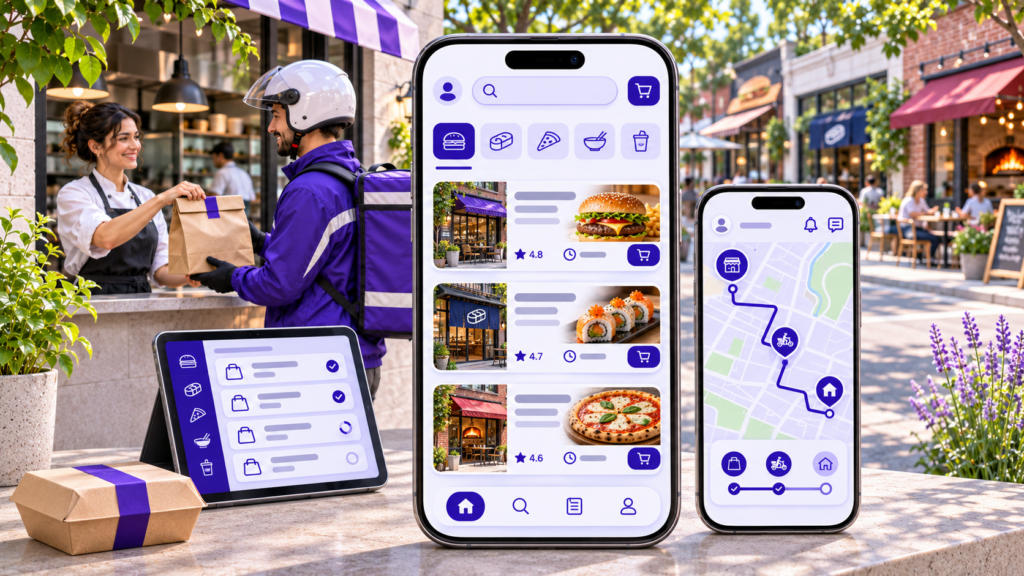
A food delivery app like DoorDash is a three-sided marketplace. Customers order from local restaurants, restaurants prepare the food, and independent drivers carry it to the door. The platform sits in the middle. It routes each order, collects payment from the customer, and pays the restaurant and the driver after keeping its share.
DoorDash began in 2013 as a Stanford student project and is now the largest delivery platform in the United States (Wikipedia). In the third quarter of 2026 it processed 993 million orders and $33.9 billion in marketplace gross order value, on revenue of $4.6 billion (DoorDash Q3 2026 results, SEC filing). You are not going to build that. You are going to build the same order loop for one city, one niche or one restaurant group, and make it profitable there first.
The order loop, step by step
Every order on a DoorDash-style app follows the same path. The customer browses nearby restaurants, builds a cart and pays. The payment is authorised but not yet split. The restaurant receives the order on its tablet, accepts it and confirms a preparation time. The dispatch engine then offers the job to a nearby driver, timed so the driver reaches the counter when the food is ready rather than ten minutes early.
The driver accepts, navigates to the restaurant, confirms pickup and drives to the customer. The customer watches the driver move on a map the whole way. At the door, the driver marks the order delivered, often with a photo or a one-time code. Only then does the platform settle the money: the restaurant gets the food total minus commission, the driver gets base pay plus tip, and the platform keeps the fees and commission.
Why copying DoorDash’s feature list is the wrong place to start
DoorDash’s advantage is density, not features. When thousands of restaurants and drivers sit inside a few square kilometres, drivers wait less, deliveries are faster, and each order costs less to fulfil. A new app with every DoorDash feature and twenty restaurants spread across a city will still deliver cold food late. The founders who succeed pick a small zone, sign enough restaurants to make it worth opening the app, and add features only after the orders arrive.
Which apps do you need to build a platform like DoorDash?
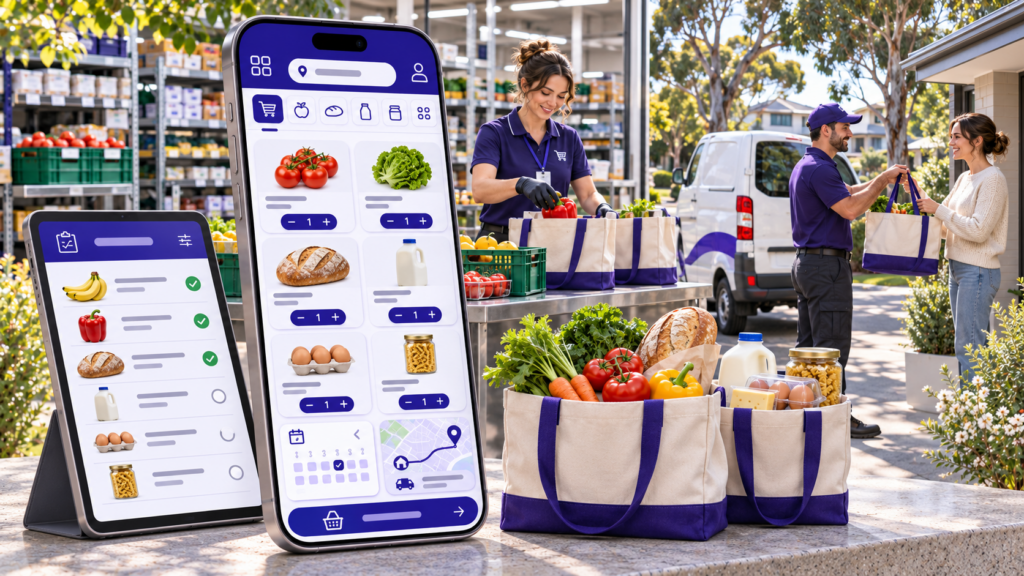
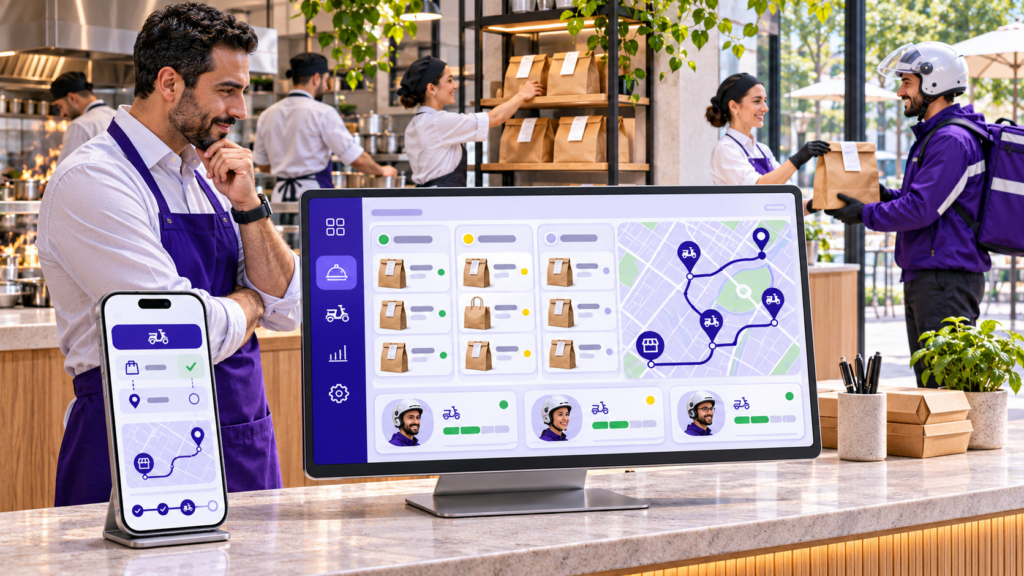
A DoorDash-style platform needs four separate applications that share one backend: a customer app, a driver app, a restaurant panel and an admin console. Each serves a different person with a different job. Orders, payments and driver locations sync between all four in real time, which is why the backend is the hardest part to build.
Customer app
This is the app on the App Store and Google Play that your customers download. It also usually has a web version for people who order from a laptop. It handles search, menus, checkout, tracking and reorders. Most of your design budget goes here, because this is the screen that decides whether someone orders again.
Driver app
DoorDash calls its drivers Dashers. Your driver app lets them go online, receive job offers, navigate to the restaurant and the customer, prove delivery and see their earnings. It runs location tracking in the background, which makes it the app most likely to be rejected in app store review if permissions are handled badly.
Restaurant panel
Restaurants run this on a tablet at the counter or in a web browser. It shows incoming orders, lets staff accept or reject them, sets preparation times and switches items off when they sell out. It also shows sales reports and payout statements. If this panel is slow or confusing, restaurants stop accepting orders during the dinner rush.
Admin console
Your operations team runs the business from a web dashboard. It covers restaurant and driver onboarding, delivery zones, commission rules, live dispatch monitoring, refunds, promotions and reports. Founders often underbuild this part, then spend their first months fixing problems by editing the database by hand.
What features does a food delivery app like DoorDash need at launch?
At launch, each of the four apps needs only the features that complete an order and settle the money. That means search, menus, checkout and tracking for customers; offers, navigation and earnings for drivers; an order queue and menu control for restaurants; and dispatch, zones, refunds and payouts for your team. Everything else can wait.
Customer app features
Sign-up and addresses. Phone or social login, saved addresses with a map pin, and a default payment method. Phone login with a one-time code is the most common choice, because it also gives you a verified number for driver calls.
Discovery and search. A home screen of nearby restaurants sorted by distance, delivery time or rating, with filters for cuisine, price and dietary needs. Search should cover both restaurant names and dish names, since many people search for “biryani” rather than a restaurant.
Menus, cart and checkout. Item options and add-ons, special instructions, promo codes, tips, and card, wallet or cash payment where cash is common. Show the full fee breakdown before payment. Hidden fees are the most common reason for one-star reviews on delivery apps.
Live tracking and notifications. Order status from accepted to delivered, a live map once the driver has the food, and push notifications at each stage. Masked calling and in-app chat let the customer and driver talk without sharing real numbers.
Ratings, reorder and support. Separate ratings for the food and the delivery, one-tap reorder, and an in-app way to report a missing or wrong item that creates a ticket in your admin console.
Driver app features
Availability and job offers. An online and offline toggle, job offers that show pickup distance, drop distance and estimated pay, and a short timer to accept or decline. Drivers decide on pay per kilometre, so show it clearly.
Navigation and pickup. Hand-off to Google Maps or Waze, a pickup screen with the order number and items, and an arrival button that tells the restaurant the driver is waiting.
Proof of delivery. Photo at the door or a one-time code from the customer. This protects you in disputes over orders the customer says never arrived.
Earnings and payouts. Per-trip and weekly earnings, tips, incentives, and a payout schedule. Instant cash-out for a small fee is popular with drivers and costs you little to offer once payouts are automated.
Restaurant panel features
Order queue and preparation time. A loud alert for new orders, accept and reject buttons, and a preparation time the restaurant can adjust per order. That preparation time should feed the dispatch engine directly.
Menu and stock control. Categories, items, prices, photos, add-ons and opening hours, plus a quick switch to mark an item sold out during service.
Sales and settlements. Daily sales, commission deducted, refunds charged back and payout statements the restaurant can download for its accountant.
Admin console features
Dispatch monitoring. A live map of orders and drivers, alerts for late orders, and the ability to reassign an order by hand. Even good automatic dispatch needs a human override.
Zones, pricing and commissions. Delivery zones drawn on a map, delivery fees by distance, minimum order values, and commission rates per restaurant. Your team should be able to change these without a developer.
Onboarding and verification. Restaurant sign-up with documents and bank details, and driver sign-up with licence, vehicle and background checks.
Refunds, support and reports. Full and partial refunds that update the restaurant’s settlement automatically, a ticket queue, and reports on orders, revenue, delivery times and repeat customers.
Which advanced features make an app feel like DoorDash?
The features that make DoorDash feel fast are mostly invisible: smart dispatch, order batching, accurate arrival times and a paid membership. Add them after your first few thousand orders, not before. Each one depends on real order data, and none of them helps a platform that does not yet have enough restaurants or drivers in one area.
Smart dispatch and order batching
Basic dispatch offers each order to the nearest free driver. Smart dispatch also weighs the restaurant’s preparation time, the driver’s direction of travel and current traffic. Batching goes a step further and gives one driver two orders from the same restaurant or the same street. It lowers your cost per delivery, but the second customer waits a little longer. Set a limit on how much extra time a batch can add.
Predicted arrival times and preparation times
Once you have a few months of data, a model can predict how long each restaurant really takes at each hour, not just what the restaurant says. Accurate arrival times reduce support tickets more than almost any other change. The downside is the data requirement. With a few hundred orders a week, simple averages per restaurant work just as well.
Membership plans
DoorDash’s DashPass charges a monthly fee for free delivery on orders above a minimum. A membership raises order frequency and locks in loyal customers. It also cuts your delivery fee revenue from your best customers, so model it carefully before launch and test it in one zone.
Sponsored listings and promotions
Restaurants can pay to appear higher in search or run discounts funded from their own margin. Advertising is high margin for the platform. It only works once customers open the app often enough for placement to matter.
Scheduled orders, group orders and more verticals
Scheduled orders suit office lunches. Group orders let colleagues add to one cart and split the bill. Grocery, pharmacy and convenience delivery reuse the same driver network, which is exactly how DoorDash grew beyond restaurants. Plan your data model for more than one vertical from day one, even if you launch with food only.
What tech stack should you use for a DoorDash-style app?
A practical stack for a new DoorDash-style app is React Native or Flutter for the mobile apps, Node.js for the backend, Next.js for the web ordering site and admin console, and PostgreSQL with PostGIS for orders and location queries. Add Redis for live driver positions, WebSockets for tracking, and a marketplace payments provider that splits each payment.
Mobile apps
Cross-platform first. React Native or Flutter lets one team ship the customer and driver apps on iOS and Android from a shared codebase, which cuts build time and cost. The trade-off is background location on the driver app. It needs careful native configuration on both platforms, and a team that has done it before.
Backend and database
Node.js with a relational database. Node.js handles many open connections well, which suits live tracking and order status updates. Use PostgreSQL over a document database such as MongoDB, because orders, refunds, commissions and payouts are relational and your finance reports will need joins. The PostGIS extension answers questions such as “which restaurants deliver to this address” directly in the database.
Real-time layer. Store each driver’s latest position in Redis rather than writing every GPS ping to the main database. Push status changes to customers and restaurants over WebSockets, with push notifications as the fallback when the app is closed.
Architecture. Start with a modular monolith: one deployable backend with clear modules for orders, dispatch, payments and users. Split dispatch and tracking into separate services only when traffic forces it. Teams that begin with a dozen microservices usually spend their first six months on infrastructure instead of orders.
Third-party services
Maps and routing. Google Maps Platform or Mapbox for maps, address search, distance and travel time. Map calls grow with every order, so budget for them as a running cost.
Payments. A marketplace payments product such as Stripe Connect collects from the customer and pays restaurants and drivers separately. In India, Razorpay Route does the same job. Choose the provider before you design checkout, because it shapes your refund and payout logic.
Messaging. Firebase Cloud Messaging for push notifications, and an SMS and voice provider for login codes and masked calls between drivers and customers.
Hosting. AWS or Google Cloud, with containers, automated backups, and separate staging and production environments. Plan for peak load at lunch and dinner, which can run several times your average.
How do you build a food delivery app like DoorDash, step by step?
Building a food delivery app like DoorDash takes eight steps: choose one market and model, check the unit economics, decide between custom and white-label, design the flows, build the four apps, pilot with real restaurants and drivers, launch on the app stores, then scale zone by zone. Skipping the economics step is the most expensive mistake founders make.
Step 1: Choose your market and operating model
Decide who delivers. In a marketplace model like DoorDash, you run the driver fleet for many restaurants. In an order-only model, restaurants use their own staff to deliver. A single-restaurant or chain app serves one brand’s customers directly. Then pick one city or even a few neighbourhoods. A tight zone gives you shorter trips and faster deliveries from day one.
Step 2: Check the unit economics of one order
Work out what a single order earns before you write any code. Here is an illustrative example with assumed numbers. A $30 order at 20% commission earns $6.00 from the restaurant. The customer pays a $3.99 delivery fee. You pay the driver $6.00 and about $0.90 in card processing. That leaves roughly $3.09 per order before refunds, support, promotions and marketing. If your real numbers produce a loss, more orders will only produce a bigger loss.
Step 3: Decide between custom development and white-label
A custom build gives you full control and takes months. A white-label platform gives you tested apps under your brand in weeks, for a recurring fee. The section on custom versus white-label below explains how to choose.
Step 4: Discovery and design
Map every user flow across all four apps, including the unhappy ones: a restaurant rejects an order, a driver cancels mid-trip, a customer is not home, a card fails. Turn the flows into wireframes, then a clickable prototype you can show to five restaurant owners and five drivers. Their objections at this stage cost nothing to fix.
Step 5: Build the minimum version of all four apps
Build the launch features listed above and nothing more. Make sure the admin console can override any automatic decision, from dispatch to refunds. Work in two-week sprints with a working demo at the end of each one, so you see progress on real devices rather than in status reports.
Step 6: Pilot with real restaurants and drivers
Run a closed pilot in your launch zone with a small group of restaurants and enough drivers to cover peak hours. Use friends, staff and early sign-ups as customers. Watch three numbers closely: delivery time, the share of orders with a complaint, and how long drivers wait at restaurants.
Step 7: Launch on the app stores
Submit the customer and driver apps under your own developer accounts. Leave time for review. Background location, payment flows and account deletion requirements are common reasons for rejection, and each round trip can cost several days.
Step 8: Scale zone by zone
Open the next zone only when the first one has steady demand and enough drivers at peak. Add batching, membership plans, advertising and new verticals as your data supports them. This is how DoorDash itself expanded: suburb by suburb, then into grocery and retail on the same driver network.
How much does it cost to build a food delivery app like DoorDash?
A launch-ready food delivery platform with a customer app, courier app, web ordering, restaurant panels, tracking and promotions costs about $37,500 to $62,000 with Aalpha’s AI-assisted team and takes 14 to 17 weeks. That estimate assumes about 2,489 hours at $15 to $25 an hour. A white-label platform such as DeliveryStack starts at $1,000 a month instead.
Where the custom estimate comes from
The figures above come from Aalpha’s on-demand app development cost calculator, which prices features from Aalpha’s own delivery records and applies a 40% reduction in hands-on build time from AI-assisted engineering. Development of the apps, real-time backend, dispatch and payments takes the largest share of the hours. Design, testing, store release and project management make up the rest.
The same 2,489 hours at typical US agency rates of $100 to $180 an hour would cost roughly $249,000 to $448,000. Location changes the price far more than the feature list does, so compare quotes on hours and scope, not just the total.
Smaller and larger versions
A smaller start. You can launch with a customer app and an admin console, and assign deliveries by hand from the dashboard. Aalpha’s calculator puts that kind of single-app build with an admin panel at about $9,000 to $15,000 over 6 to 8 weeks. The downside is that manual dispatch stops working once you pass a few dozen orders an hour.
A multi-service platform. Food, rides and parcels in one app, with vendor panels, web booking and loyalty, costs about $63,500 to $106,000 and takes 19 to 23 weeks on the same calculator.
Costs the build estimate leaves out
Map and routing calls, SMS and masked calls, payment processing fees, cloud hosting, app store fees and driver background checks are billed separately, and most of them grow with order volume. Post-launch maintenance is a cost of its own. Operating system updates, payment provider changes and new store rules mean a delivery app is never finished. Aalpha’s guide to food delivery app maintenance covers what that work involves.
What white-label costs instead
DeliveryStack pricing starts at $1,000 a month, with the final price set by your verticals, cities, order volume and any custom features. That swaps a large upfront build for a predictable monthly fee and a launch in 2 to 4 weeks. Over several years the monthly fees add up, so compare the total cost over three years, including the maintenance a custom build would need, rather than the first-year price alone.
How does a food delivery app like DoorDash make money?
A food delivery app makes money from both sides of each order. Restaurants pay a commission on the food total, and customers pay delivery and service fees. Mature platforms add paid memberships, sponsored listings for restaurants and delivery services sold to restaurants’ own websites. Commission and fees carry a new platform; advertising and memberships come later.
Restaurant commission
The platform keeps a percentage of each order’s food total. Many platforms offer restaurants tiers: a lower rate for basic listing and a higher rate for more visibility or a larger delivery radius. Check local rules before you set rates, because some cities cap the commission delivery apps can charge.
Customer fees
Delivery fees usually rise with distance. A service fee covers platform costs, and a small-order fee discourages tiny baskets that cost more to deliver than they earn. Peak-time pricing during rain or the dinner rush helps pay drivers enough to stay online.
Memberships, advertising and delivery services
A monthly membership trades delivery fee income for order frequency. Sponsored placements let restaurants pay to rank higher in search. Some platforms also sell their driver network to restaurants that take orders on their own websites, which DoorDash does through its Drive service. Each of these needs a large, active customer base before it earns much, so treat them as a second phase.
Should you build a custom app or use a white-label food delivery platform?
Use a white-label food delivery platform when your business follows a standard model, such as a restaurant marketplace, a restaurant chain with its own drivers, or a grocery or courier service, and speed to market matters. Build custom when your operating model has no precedent, when the software itself is the product you plan to sell, or when you have an engineering team to maintain it.
When custom development is the right call
Custom development gives you total control over every screen and rule, and full ownership of the code. It suits a business whose model differs from every standard delivery pattern, for example a dark kitchen group with kitchen-slot scheduling across several brands, or a regulated service with unusual compliance steps. The cost is time and risk. Dispatch edge cases, payment reconciliation and app store reviews tend to surface late, and each one can move a launch date by weeks. Aalpha’s guide to hiring food delivery app developers explains what to look for in a team if you take this route.
When white-label is the right call
DeliveryStack is a white-label delivery platform built by Aalpha Information Systems. It includes a customer app and website, a driver app, a restaurant panel and an admin console, all published under your own name, logo and App Store and Google Play accounts. Customers never see the DeliveryStack name. Its food delivery setup includes dispatch that accounts for each restaurant’s preparation time, live menus and settlement between the platform, restaurants and drivers.
Deployment follows a fixed four-step sequence: configuration of zones, commissions and payout rules; branding and testing; loading restaurants, menus and drivers and training your team; then store launch. The whole process takes 2 to 4 weeks, and how deployment works sets out what your team owns at each step. Because grocery, courier and ride services run on the same platform, you can add a vertical later from the admin panel instead of starting a new project.
White-label has limits. You pay a monthly fee for as long as you use it. Features outside the core platform are quoted separately on top of the base price. Source code ownership and licensing depend on the engagement and are set out in the proposal, so read that section closely if owning the code matters to you. The DeliveryStack versus custom development comparison covers these trade-offs in more detail.
Both routes are delivered by the same company. Aalpha has built software since 2008 and holds a 4.9 out of 5 rating from more than 215 reviews on Clutch, so the choice between custom and white-label can be made on fit rather than on vendor.
What mistakes cause new food delivery apps to fail?
Most new food delivery apps fail on operations, not code. The common causes are launching across too wide an area, dispatch that ignores preparation time, weak admin tools, money that does not reconcile, too few drivers at peak, and growth bought with discounts. Each one is cheaper to prevent before launch than to fix after it.
Launching across a whole city
Spread thin, every delivery is long and every driver waits. Open one zone, fill it with restaurants people already order from, and expand only when deliveries are consistently fast.
Dispatching without preparation time
If drivers arrive the moment an order is placed, they stand at the counter for fifteen minutes, earn less per hour and log off. If they arrive late, the food goes cold. Dispatch has to use each restaurant’s real preparation time.
Leaving admin tools until after launch
Refunds, order reassignment, zone changes and restaurant payouts all happen on day one. Without proper tools, your operations team edits records by hand and errors reach restaurants’ bank statements.
Payments that do not reconcile
Partial refunds, cancelled orders, cash collected by drivers and tips all have to land in the right ledger. Restaurants lose trust quickly when a statement does not match their own records. Design the settlement logic before the checkout screen.
Too few drivers at peak hours
Demand on delivery apps is concentrated at lunch and dinner. Track online drivers against open orders by hour, and use peak bonuses or scheduled shifts to cover the gap.
Buying growth with discounts
Discount codes bring first orders, not loyal customers. Measure how many discounted customers order again at full price before you spend more on promotions.
What should you do next?
Write down your launch zone, your delivery model and the unit economics of one order. If your model matches a standard pattern and you want to be live within a month, book a DeliveryStack demo to see the four apps running with your own zones and commission rules. If your model is genuinely new, ask Aalpha for a scoped custom estimate, and use the on-demand app cost calculator to set a budget before the first call.
Frequently asked questions
How much does it cost to build an app like DoorDash?
A launch-ready DoorDash-style platform with customer, driver, restaurant and admin apps costs about $37,500 to $62,000 with an AI-assisted offshore team and takes 14 to 17 weeks. The same hours at US agency rates cost roughly $249,000 to $448,000. A white-label platform such as DeliveryStack starts at $1,000 a month.
How long does it take to build a food delivery app?
A custom food delivery platform takes about 14 to 17 weeks from discovery to store release for a launch-ready version, and longer for multi-service platforms. A white-label platform such as DeliveryStack goes live in 2 to 4 weeks, because the apps are already built and the work is configuration, branding, data loading and store submission.
What apps are needed for a food delivery platform like DoorDash?
A food delivery platform like DoorDash needs four connected apps: a customer app for ordering and tracking, a driver app for job offers, navigation and earnings, a restaurant panel for orders and menus, and an admin console for dispatch, zones, refunds and payouts. All four share one real-time backend.
Can I build a food delivery app like DoorDash with no-code tools?
No-code tools can produce a simple ordering app for a single restaurant. They struggle with real-time driver tracking, automatic dispatch, split payments and payouts, which are the core of a DoorDash-style marketplace. Most founders who start on no-code rebuild once orders grow, so it suits idea testing rather than a business you plan to scale.
What is the best tech stack for a DoorDash clone?
A proven stack is React Native or Flutter for the mobile apps, Node.js for the backend, Next.js for the web ordering site and admin console, PostgreSQL with PostGIS for orders and locations, Redis and WebSockets for live tracking, and a marketplace payments provider such as Stripe Connect to split payments.
Is a white-label food delivery app better than custom development?
For most delivery startups and restaurant groups, white-label is faster and cheaper to launch, because the apps are tested and branded for you. Custom development is better when your operating model has no standard precedent, when the platform is the product you plan to sell, or when you need full code ownership and have a team to maintain it.
How do food delivery apps like DoorDash make money?
Food delivery apps earn a commission from restaurants on each order and charge customers delivery, service and small-order fees. Larger platforms add paid memberships with free delivery, sponsored listings for restaurants and delivery services sold to restaurants’ own websites.
Can the same platform handle grocery and courier deliveries?
Yes, if it is designed for more than one vertical. Grocery, pharmacy and courier deliveries reuse the same customer app, driver network and dispatch engine, with different catalogue and pricing rules. DeliveryStack supports food, grocery, courier and ride services on one platform, so a new vertical is configured rather than rebuilt.